
If lead scanning is available to your sponsorship tier then this can be accessed through our mobile application.
To access the app go to londonscalling.web.app on your phone. Hit “login” and then “Create Account”. You will need to use your email address associated with your London’s Calling ticket. You will be sent an email to verify your email address (please check spam) and click the link in the email. Once done you will be able to log-in with your new credentials.
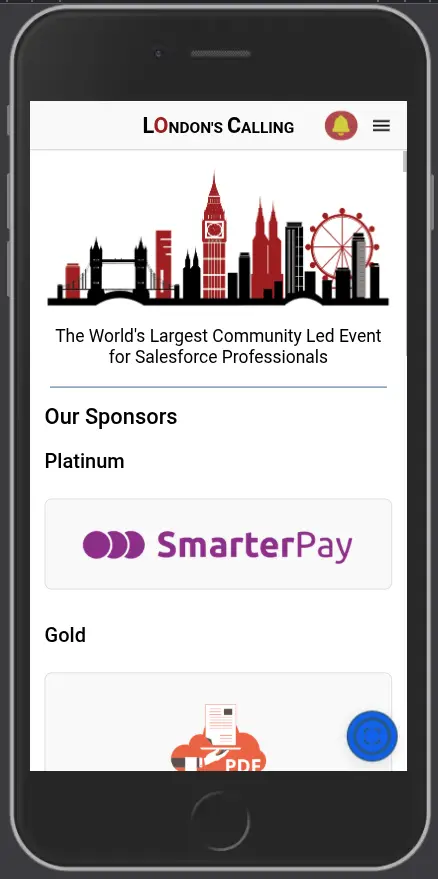
All staff requiring scanning capabilities will need to have this functionality added by the London’s Calling team. We know which organisations have scanning available with their package and will enable those who have registered for sponsor included tickets. This will be carried out by the day of the event. Other attendees can be enabled on the day. Once the functionality has been enabled your staff will see the Scan Lead button on their home-screen (see bottom right of the screenshot), and they will have the Leads menu item.
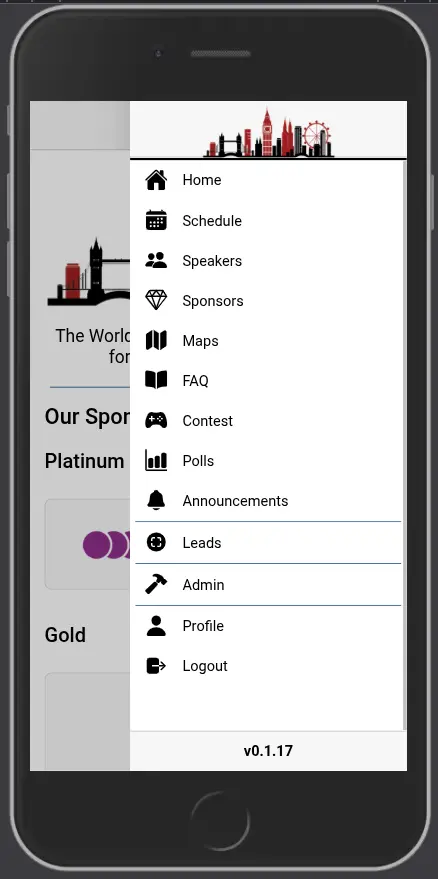
Leads can be searched for in the Leads page, and details and notes can be added/edited. 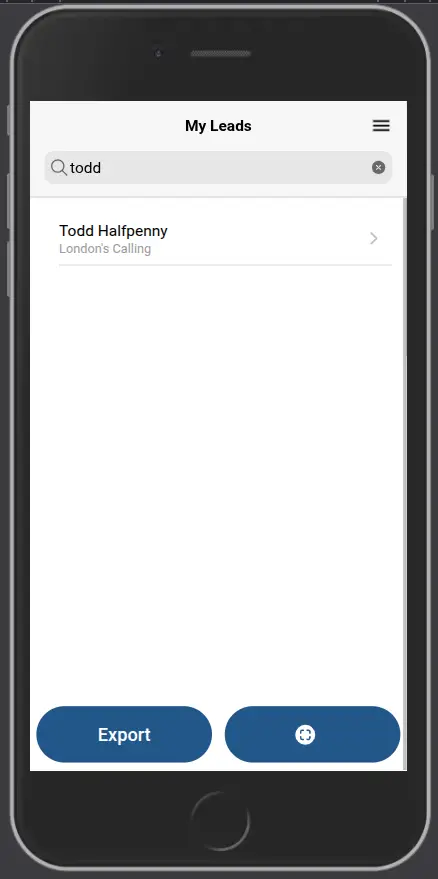
Scanned leads will have details such as Company Name, Email, and Telephone Number automatically added to them. Note that this process can take some minutes.
Leads can be exported from the App by clicking on the Export button.